Conditions, Results & the Blackboard
Make your story react to variables and earlier choices.
The magic of non-linear storytelling is when the story changes based on what a player did earlier - that's what variables, conditions, and results are for.
The Blackboard#
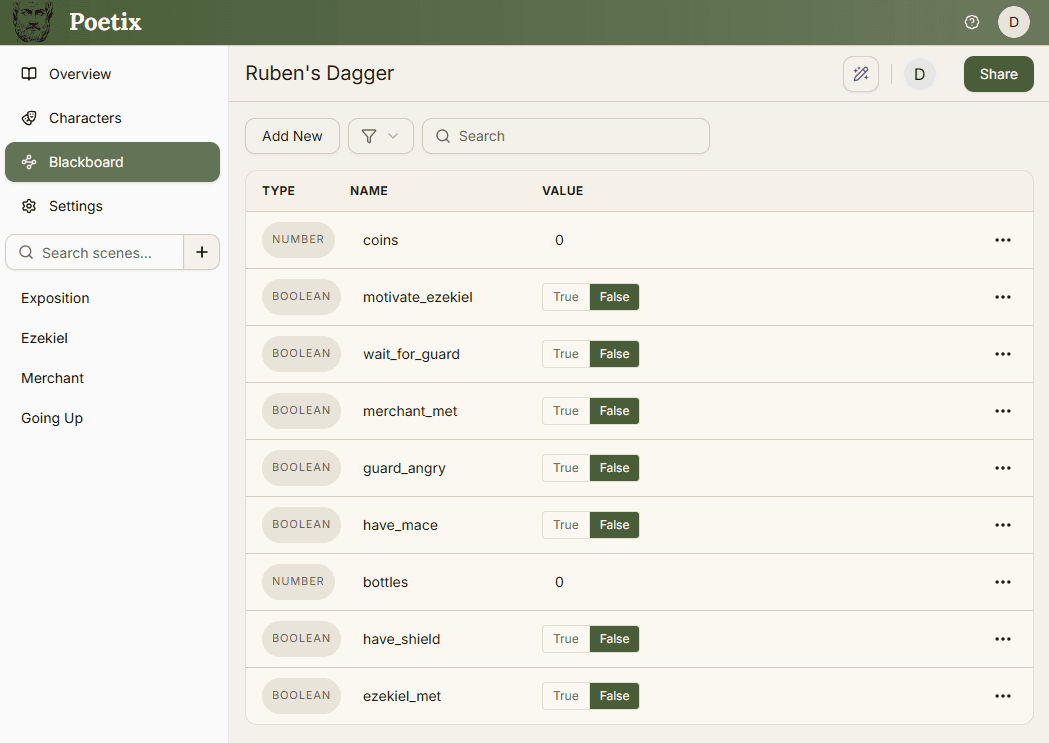
The Blackboard (in the story sidebar) holds all of your story's data using variables. Create a variable by clicking the Add New button. Give it a type: String, Number, or Boolean (true or false) and a value. That value will be used as the variable's starting value when a playthrough begins. Use the type filter and search bar to find variables once the list grows.
Using variables in text#
Display a Blackboard variable's current value in a line or choice by clicking where you want it in the text, then choosing in its toolbar. Search for a variable and select it to insert {{variableName}} at the cursor. If you selected some text, the variable reference replaces it.
You can also type the reference yourself. For example, Hello, {{playerName}}! becomes “Hello, Mira!” during play when the playerName variable is set to Mira. A choice such as Leave with {{gold}} gold shows the current gold value. The editor keeps the reference visible so you can keep writing.
This works with String, Number, and Boolean variables. Names are case-sensitive, and spaces immediately inside the braces are ignored:{{gold}} and {{ gold }} work the same way. Use a unique variable name. Missing or duplicate names leave the reference unchanged, with a warning in the story tester. If you rename a variable in the Blackboard, update its references in your text too.
Results & Conditions#
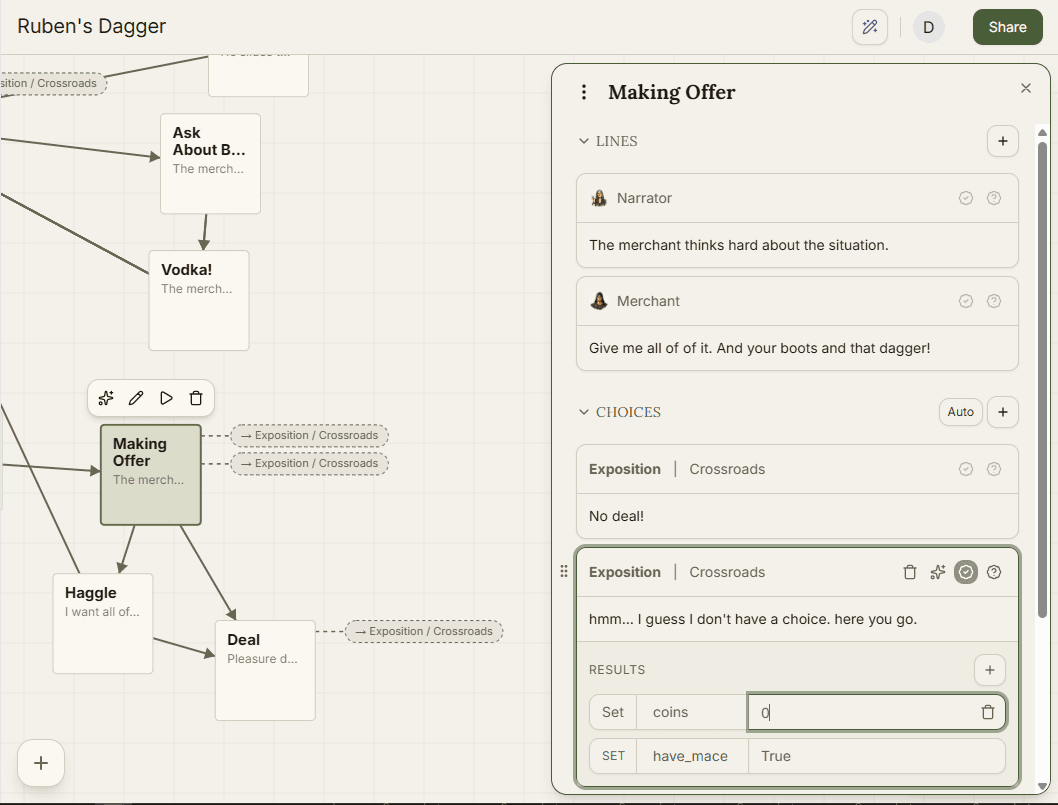
Every line and choice can react to your story's Blackboard variables. Use Results to update variables after the player reaches it and use Conditions to control whether it is available. You can open the result or condition panel by clicking the icons in the line or choice. is for results, is for conditions.
Results#
Any line or choice has a Results section - where you can make changes to variables once it's reached. Set a variable's value, or increment / decrement it by a value. For example - when speaking with a wise traveler, increment a knowledge variable by 5, or set a hasMap variable to true when the player finds a map.
Conditions#
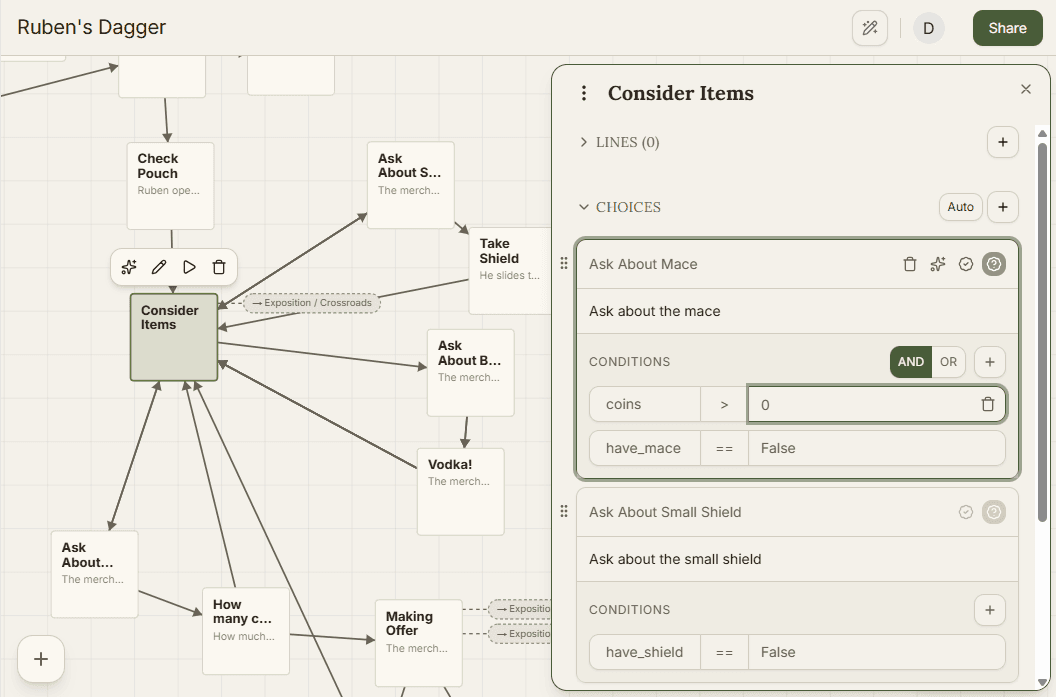
A line or choice also carries a Conditions section checking whether it's shown. Pick a Blackboard variable and compare it against a value. Boolean and String variables compare equal or not-equal, numbers also have greater-than/less-than comparisons. Add a second condition and an AND / OR toggle appears to control how they combine. For example - show a player choice “Go east to the river” only if hasMap is true, or show a line of dialogue only if merchantTrust is greater than 5.
Auto-advance beats#
Normally a beat pauses and waits for the player to pick a choice. Toggle Auto in the Choices section and the beat skips that entirely - it jumps straight to the first choice whose conditions pass without waiting for player decision. It's built entirely on the conditions you set on those choices, so it only does anything useful once they have some.